
Enterprise Knowledge Base & Intelligent Q&A
Category:AI SolutionsPublished on:2026-10-02Views:7641Comments:0#Knowledge Base#RAG#On-premises
A company's knowledge mostly sits in folders: policies, procedures, equipment manuals, meeting minutes, and historical work orders. When you need it, you search, you ask around, you rely on memory — onboarding is slow, and experience walks out the door when a veteran leaves, so the same question gets different answers in different departments.
Over the past two years many organizations have tried two approaches, neither satisfactory: one is to use a generic search engine or full-text retrieval, where you type plain language but match keywords, so you still have to read the results yourself; the other is to wire up a chatbot on a large model — the questions flow nicely and the answers look plausible, but the sources are unclear and mistakes are hard to spot. The first never solves the cost of reading; the second never solves the problem of trust.
I. What we do
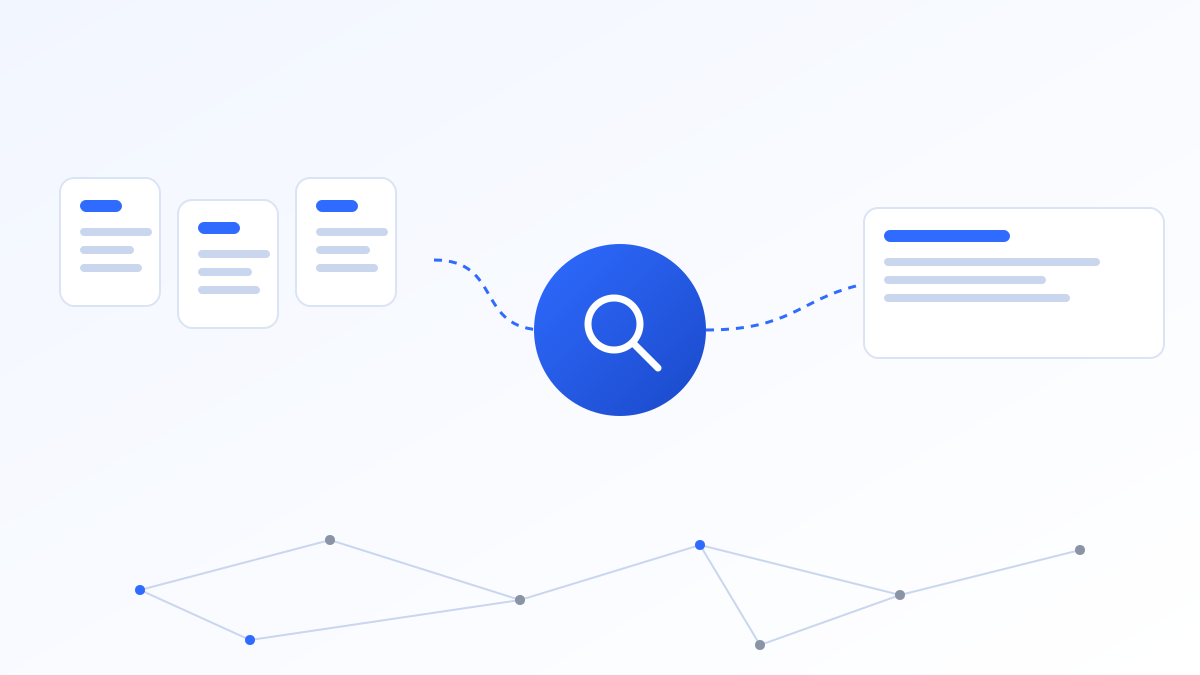
We connect an organization's existing document assets to a large model and build a knowledge-base Q&A system that answers accurately, cites its sources, and can be audited. The core is not plugging in the model, but processing the knowledge to the point where the model can use it — and mistakes can be detected.
1. Document ingestion and parsing
We support common formats: PDF, Word, Excel, PPT, web links, and scanned documents (with OCR). The key action at parsing time is preserving structure: heading levels, clause numbers, table row/column relationships, and section hierarchy must all be retained. Many knowledge bases answer inaccurately not because of the model, but because the structure is lost the moment a document enters the system — an equipment parameter table parsed into a string of broken lines can never be reassembled by even the best model.
We support incremental updates and version management: when a file changes, only the changed parts are reprocessed, and old versions remain traceable, avoiding old and new procedures fighting each other in one library.
2. Chunking and indexing
We chunk by document structure, not by a fixed character count. When a safety regulation is cut in half, neither half answers correctly; when a table is split across the middle, the answer inevitably loses rows. The common practice is: use clauses, sections, and Q&A pairs as the minimum unit, keep moderate contextual overlap for long sections, and tag chunks with metadata (file name, section, effective date, scope, classification level).
These tags are not just for show — they participate directly in retrieval filtering: when asked "this year's reimbursement standard", the system should recall only the content whose effective date covers this year.
3. Retrieval and generation
We use hybrid retrieval (vector + keyword) with an optional rerank layer. Pure vector retrieval stumbles on technical terms, codes, and abbreviations — a query like "Clause 3.2 of the AQ standard" is often matched more accurately by keywords; conversely, an expression like "what checks are required before starting equipment" only works through semantic matching. Combining the two gives complete coverage.
The generation step has three hard constraints:
- Answer only from recalled content, never introducing external knowledge;
- Every answer must carry a citation (file name + section + original excerpt), one click to jump and verify;
- Decline to answer when unsure, stating "no relevant content in the library". Fabricating a plausible answer is far more harmful than declining.
4. Permissions and audit
Visibility is controlled by department, role, and classification: salary policies should not be searchable by everyone, and outsourced staff should not see core process parameters. Retrieval happens within permission scope — out-of-scope content is excluded from recall, rather than recalled and then masked.
Every Q&A session is fully logged: who asked what when, and which excerpts the system used — traceable. This serves both internal audit needs and the basis for later optimization: questions repeatedly asked or down-voted are exactly the weak points of the knowledge base.
II. Deployment model
By default we deploy on-premises: the system runs on the client's local server or private cloud; documents, vector store, and model inference all stay within the client's controlled environment, and data never leaves the enterprise network.
The model layer is optional: open-source models for local inference (requires evaluating compute — generally 2–4 consumer or professional GPUs support small-to-medium scenarios), or commercial model APIs (pay-as-you-go, with which data leaves the network must be clarified at the planning stage and confirmed by the client). The model layer is architected to be swappable, so changing models later does not require rebuilding the application.
The entry point does not require employees to switch tools: it can be embedded into WeCom, DingTalk, OA, and business-system pages, so they ask right where they already work.
III. Implementation process
- Inventory (Week 1): define scope, file formats, and classification; clarify "what goes first, what is deferred";
- Baseline question set (Weeks 1–2): the business unit provides 50–100 real questions with labeled standard answers as the acceptance baseline;
- Deployment and first-round tuning (Weeks 2–5): parse and ingest, adjust chunking strategy, tune retrieval and prompts, run the baseline set;
- Pilot run (Weeks 5–8): pick one department or one scenario for a small-scale trial, collect real questions and feedback;
- Rollout and operations: expand scope based on pilot results, and establish a knowledge-update mechanism and monthly effectiveness report.
A knowledge-base Q&A pilot typically goes live in 4–8 weeks; scope size and document quality are the main variables. Units with tidy, consistent documents can move faster; units with many scans and messy versions may spend half the time just organizing materials.
IV. How do we measure effectiveness
We look beyond "can it answer" to a set of quantifiable metrics, tested once with the baseline set before launch and tracked monthly thereafter:
- Answer hit rate: manual sampling of whether answers are accurate and cover key points;
- First-contact resolution: the proportion of users who get a usable answer on the first try; follow-up count is an important signal;
- Decline rate: too high means insufficient coverage; too low is also a warning (it may be fabricating);
- Real usage: daily active questions, questions per capita. If no one uses it, pretty metrics are meaningless;
- Feedback loop: how quickly wrong answers are corrected — the key to long-term credibility of a knowledge base.
V. Who it is for and typical scenarios
- Coal and chemical enterprises: on-site instant lookup of safety regulations, operating standards, and equipment manuals, confirming requirements before a job;
- Government and state-owned units: consistent wording of policy documents, regulations, and service guides, reducing "different answers from different offices";
- Parks and groups: policy and service Q&A for resident or subordinate enterprises, reducing repetitive inquiries.
The common thread: large document volume, frequent updates, high accuracy requirements. These three scenarios are also where knowledge bases show results first.
VI. Boundaries: what it cannot do
Knowledge-base Q&A does not replace professional judgment. For matters involving safety liability, legal application, or medical and financial conclusions, the system's role is "quickly find the basis", not "give the conclusion". We will, at the design stage, delineate this line with the business unit and prompt for human review where needed.
Another boundary is knowledge updates: if a policy changes a few times a year and the knowledge base is not synced, answers go stale. The update mechanism must be written into the operations plan, clarifying who is responsible for feeding new documents and who takes down obsolete ones — this is the most common reason a system is "abandoned after three months".
Comments(0)
No comments yet — be the first to share